Использование CSS-границ цвета в качестве цвета фона (HTML код)
<p class="box" style="border-color: aquamarine">

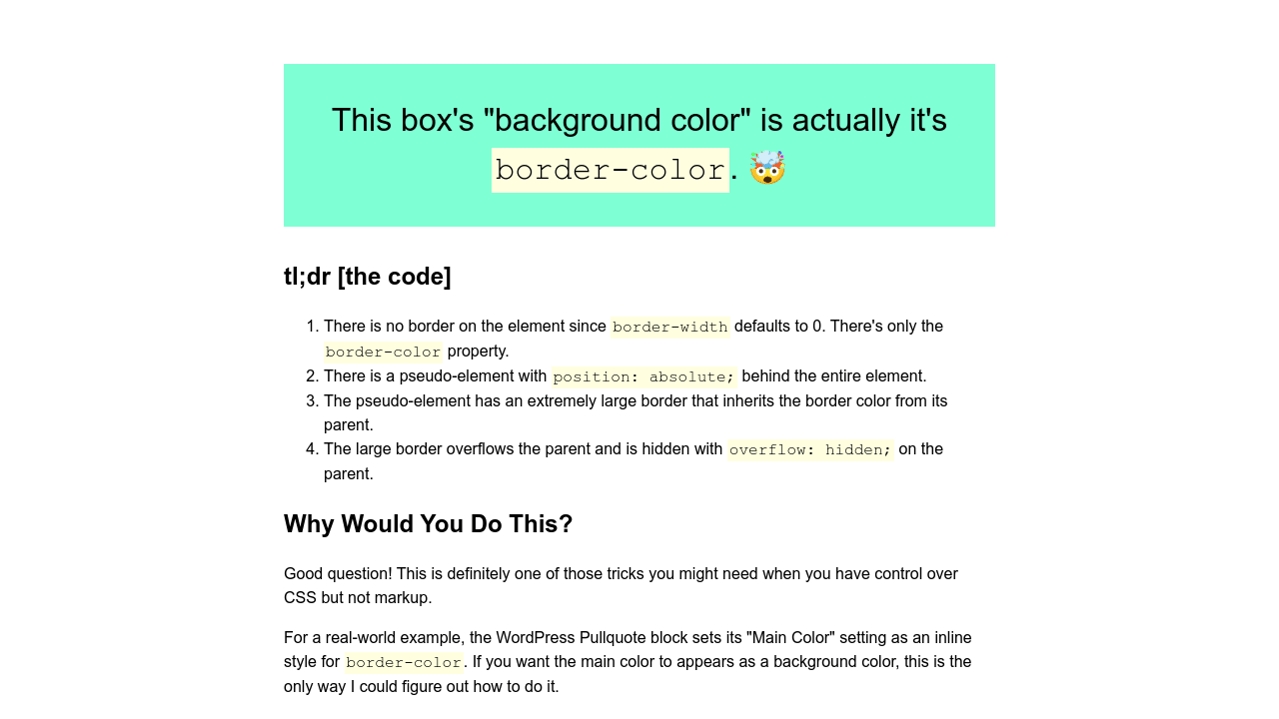
	This box's "background color" is actually it's <code>border-color</code>. 🤯

</p>


<h2>tl;dr [the code]</h2>

<ol>

	<li>There is no border on the element since <code>border-width</code> defaults to 0. There's only the <code>border-color</code> property.</li>

	<li>There is a pseudo-element with <code>position: absolute;</code> behind the entire element.</li>

	<li>The pseudo-element has an extremely large border that inherits the border color from its parent.</li>

	<li>The large border overflows the parent and is hidden with <code>overflow: hidden;</code> on the parent.</li>

</ol>


<h2>Why Would You Do This?</h2>


<p>Good question! This is definitely one of those tricks you might need when you have control over CSS but not markup.</p>


<p>For a real-world example, the WordPress Pullquote block sets its "Main Color" setting as an inline style for <code>border-color</code>. If you want the main color to appears as a background color, this is the only way I could figure out how to do it.</p>


<p><a href="https://twitter.com/mrwweb/">Ping me</a> if this helps you out! I'd love to hear about it.</p>
Использование CSS-границ цвета в качестве цвета фона (CSS код)
/* The "CSS Trick" */

.box {

  position: relative;

  overflow: hidden;

}


.box::before {

  display: block;

  content: "";

  position: absolute;

  left: 0;

  top: 0;

  right: 0;

  border: 9999px solid;

  border-color: inherit;

  /* [1] */

  z-index: -1;

}


/* Today I learned that you can't use "inherit" in shorthand properties! See: https://developer.mozilla.org/en-US/docs/Web/CSS/Shorthand_properties#tricky_edge_cases


/* Unimportant Stuff */

body {

  max-width: 80ch;

  padding: 2rem;

  margin: auto;

  line-height: 1.5;

}


.box {

  padding: 1em;

  font-size: 2rem;

  text-align: center;

}


code {

  background-color: lightyellow;

  padding: 0.125em;

}
Использование CSS-границ цвета в качестве цвета фона (Результат кода)
Comments