Карусель с эффектом параллакса (HTML код)
<div class="stage">


<div class="container">

  <div class="ring">

    <div class="img"></div>

    <div class="img"></div>

    <div class="img"></div>

    <div class="img"></div>

    <div class="img"></div>

    <div class="img"></div>

    <div class="img"></div>

    <div class="img"></div>

    <div class="img"></div>

    <div class="img"></div>

  </div>

</div>


</div>
Карусель с эффектом параллакса (CSS код)
html, body, .stage, .ring, .img {

  width:100%;

  height: 100%;

  transform-style: preserve-3d;

  user-select:none;

}


html, body, .stage {

  overflow:hidden;

  background:#000;


}


div, svg {

  position: absolute;

}


.container {

  perspective: 2000px;

  width: 300px;

  height: 400px;

  left:50%;

  top:50%;

  transform:translate(-50%,-50%);

}
Карусель с эффектом параллакса (JS код)
let xPos = 0;


gsap.timeline().

set('.ring', { rotationY: 180, cursor: 'grab' }) //set initial rotationY so the parallax jump happens off screen

.set('.img', { // apply transform rotations to each image

  rotateY: i => i * -36,

  transformOrigin: '50% 50% 500px',

  z: -500,

  backgroundImage: i => 'url(https://picsum.photos/id/' + (i + 32) + '/600/400/)',

  backgroundPosition: i => getBgPos(i),

  backfaceVisibility: 'hidden' }).


from('.img', {

  duration: 1.5,

  y: 200,

  opacity: 0,

  stagger: 0.1,

  ease: 'expo' }).


add(() => {

  $('.img').on('mouseenter', e => {

    let current = e.currentTarget;

    gsap.to('.img', { opacity: (i, t) => t == current ? 1 : 0.5, ease: 'power3' });

  });

  $('.img').on('mouseleave', e => {

    gsap.to('.img', { opacity: 1, ease: 'power2.inOut' });

  });

}, '-=0.5');


$(window).on('mousedown touchstart', dragStart);

$(window).on('mouseup touchend', dragEnd);


function dragStart(e) {

  if (e.touches) e.clientX = e.touches[0].clientX;

  xPos = Math.round(e.clientX);

  gsap.set('.ring', { cursor: 'grabbing' });

  $(window).on('mousemove touchmove', drag);

}


function drag(e) {

  if (e.touches) e.clientX = e.touches[0].clientX;


  gsap.to('.ring', {

    rotationY: '-=' + (Math.round(e.clientX) - xPos) % 360,

    onUpdate: () => {gsap.set('.img', { backgroundPosition: i => getBgPos(i) });} });


  xPos = Math.round(e.clientX);

}


function dragEnd(e) {

  $(window).off('mousemove touchmove', drag);

  gsap.set('.ring', { cursor: 'grab' });

}


function getBgPos(i) {//returns the background-position string to create parallax movement in each image

  return 100 - gsap.utils.wrap(0, 360, gsap.getProperty('.ring', 'rotationY') - 180 - i * 36) / 360 * 500 + 'px 0px';

}

//# sourceURL=pen.js
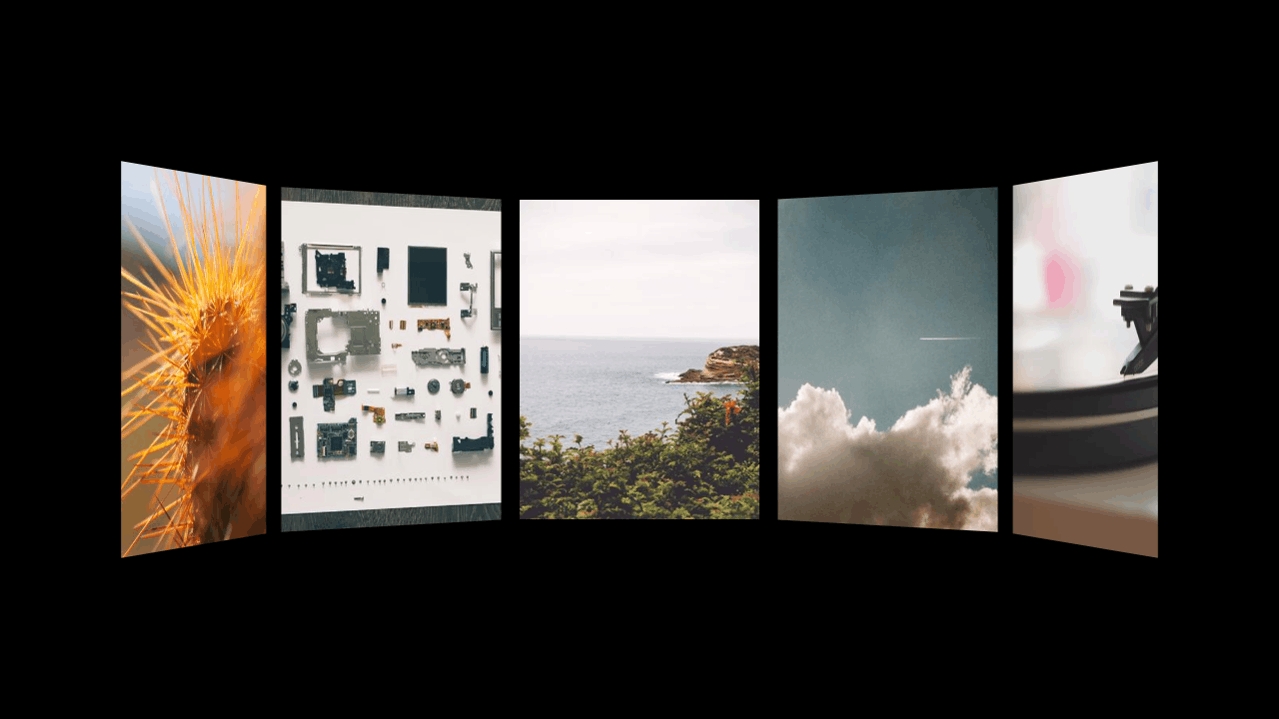
Карусель с эффектом параллакса (Результат кода)
Comments