Показать пароль - режим сканирования (HTML код)
<div class="container">

	<input id="pass" type="password" placeholder="Password">

	<span id="fakepass">Password</span>

	<button id="reveal" disabled="disabled"><span></span></button>

</div>
Показать пароль - режим сканирования (CSS код)
:root {

	--light-grey: #e0e0e0;

	--dark-grey: #c5c5c5;

}


body {

	margin: 0;

	padding: 0;

	width: 100%;

	height: 100vh;

	display: flex;

	justify-content: center;

	align-items: center;

	background: var(--light-grey);

	font-family: monospace, Arial, Helvetica, sans-serif;

}


body * {

	box-sizing: border-box;

	outline: none;

}


.container {

	width: 210px;

	position: relative;

}


input {

	background: #ececec;

	border: 0;

	font-size: 1em;

	width: 100%;

	box-shadow: 0.15em 0.15em 0.25em var(--dark-grey) inset,

		-0.15em -0.15em 0.25em #ffffff80 inset, 0.3em 0.3em 0.6em var(--dark-grey),

		-0.2em -0.2em 0.5em #ffffff80;

	border-radius: 4px;

	padding: 10px;

	position: absolute;

	z-index: 1;

	height: 40px;

	color: #808080;

	font-family: monospace, Arial, Helvetica, sans-serif;

}


input::placeholder {

	color: #808080;

	opacity: 1;

}


input:-ms-input-placeholder {

	color: #808080;

}


input::-ms-input-placeholder {

	color: #808080;

}


input.active {

	animation: scanning 1s ease 0s 1;

	background: linear-gradient(90deg, #02de0b 50%, #ececec 100%);

	background-repeat: no-repeat;

	background-position: -210px;

	background-color: #ececec;

}


@keyframes scanning {

	0% {

		background-position: 150px;

	}

	100% {

		background-position: -210px;

	}

}


#reveal {

	width: 40px;

	height: 40px;

	border-radius: 4px;

	border: 0;

	background: linear-gradient(145deg, #72c0ff, #0070ca);

	cursor: pointer;

	position: absolute;

	z-index: 3;

	right: 0px;

	box-shadow: 0.3em 0.3em 0.6em var(--dark-grey), -0.2em -0.2em 0.5em #fff;

	border: 2px solid var(--light-grey);

	transition: all 0.5s ease 0s;

	border-top-color: #cccccc;

	border-bottom-color: #eee;

}


#reveal:before {

	content: "";

	background: radial-gradient(

		circle at center,

		#00000080 1px,

		#00000080 2px,

		#00000080 3px,

		#00000080 4px

	);

	width: 18px;

	height: 18px;

	border-radius: 0 100%;

	transform: rotate(-45deg) skew(-10deg, -10deg);

	left: 9px;

	position: absolute;

	top: 9px;

	transition: all 0.25s ease 0s;

}


#reveal:after {

	content: "";

	width: 20px;

	height: 18px;

	border-radius: 100%;

	left: 6px;

	top: 4px;

	position: absolute;

	border: 2px dotted #fff0;

	border-bottom-color: #00000080;

	transition: all 0.25s ease 0s;

}


#reveal:disabled {

	transition: all 0.5s ease 0s;

	background: linear-gradient(145deg, #ced5e0, #757575) !important;

	cursor: default;

}


#reveal.open {

	transition: all 0.5s ease 0s;

	background: linear-gradient(145deg, #8ce88f, #009205);

}


#reveal.open:after {

	transform: rotateX(-180deg);

	top: 10px;

	background: radial-gradient(

		circle at 50% 12px,

		#00000000 1px,

		#ececec 2px,

		#ffffff 3px,

		#00000000 4px

	);

}


#reveal span:before {

	display: none;

	font-family: monospace;

}


#reveal:hover span:before {

	content: "Show Password";

	display: block;

	position: absolute;

	background: #4fa8ef;

	top: -4.5em;

	padding: 0.45em 0.5em;

	left: -0.9em;

	border-radius: 2px;

	font-size: 0.85em;

	color: #1d4c72;

	min-height: 2.25em;

}


#reveal:hover span:after {

	content: "";

	display: block;

	position: absolute;

	border: 0.7em solid transparent;

	border-top-color: #4fa8ef;

	left: 0.7em;

	top: -1.15em;

}


#reveal.open:hover span:before {

	content: "Hide Password";

	background: #61cd64 !important;

	color: #215d23;

}


#reveal.open:hover span:after {

	border-top-color: #61cd64;

}


#reveal[disabled="disabled"]:hover span:before {

	content: "Empty Password";

	background: #b3b8c0 !important;

	color: #4d4e51;

}


#reveal[disabled="disabled"]:hover span:after {

	border-top-color: #b3b8c0;

}


#fakepass {

	font-size: 1em;

	width: 0%;

	border-radius: 4px 0 0 4px;

	position: absolute;

	background: #ececec;

	z-index: 2;

	height: 40px;

	top: 0;

	right: 0;

	left: 0;

	transition: all 1s ease 0s;

	width: 0;

	line-height: 40px;

	text-indent: 10px;

	overflow: hidden;

	box-shadow: 0.15em 0.15em 0.25em var(--dark-grey) inset,

		-0.15em -0.15em 0.25em #ffffff80 inset;

	animation: scan-hide 1s ease-out 0s 1;

	color: #808080;

}


#fakepass:before {

	content: "";

	height: 40px;

	width: 0px;

	position: absolute;

	right: 13px;

	top: 0;

	box-shadow: -10px 0 20px 10px #33a4ffad, 0 0 10px 5px #33a4ffab;

}


#fakepass.scan {

	display: block;

	animation: scan-show 1s ease-out 0s 1;

	width: 0%;

	left: 0;

}


#fakepass.scan:before {

	display: none;

}


#fakepass:after {

	content: "";

	height: 40px;

	width: 2px;

	background: #92ceff;

	position: absolute;

	right: 10px;

	top: 0;

	box-shadow: 0 0 3px 1px #33a4ff, 0 0 5px 3px #33a4ff;

	animation: light 0.15s ease 0s infinite;

}


#fakepass.scan:after {

	background: #07ff10;

	box-shadow: 0 0 3px 1px #00cc08, 0 0 5px 3px #00cc08;

	right: 5px;

}


@keyframes light {

	50% {

		opacity: 0.5;

	}

}


@keyframes scan-show {

	0% {

		width: 100%;

	}

	100% {

		width: 0%;

	}

}


@keyframes scan-hide {

	0% {

		width: 0%;

		left: 0;

		right: inherit;

	}

	98% {

		width: 100%;

		left: 0;

		right: inherit;

	}

	99% {

		width: 100%;

		left: inherit;

		right: 0;

	}

	100% {

		width: 0%;

		left: inherit;

		right: 0;

	}

}


@-moz-document url-prefix() {

	#fakepass {

		text-shadow: 0 0 2px #666, 0 0 2px #666, 0 0 2px #666, 0 0 2px #666,

			0 0 2px #666, 0 0 2px #666, 0 0 2px #666, 0 0 2px #666;

	}

}
Показать пароль - режим сканирования (JS код)
var btn = document.getElementById('reveal');

var box = document.getElementById('pass');

var fak = document.getElementById('fakepass');

const isEmpty = str => !str.trim().length;


btn.addEventListener('click', function () {

  fak.innerHTML = '';

  var x = box.value.length;

  for (var i = 0; i < x; i++) {if (window.CP.shouldStopExecution(0)) break;fak.innerHTML = fak.innerHTML + '•';}window.CP.exitedLoop(0);

  fak.classList.toggle('scan');

  this.classList.toggle('open');

  box.classList.toggle('active');

  box.type == 'password' ? box.type = 'text' : setTimeout(function () {box.type = 'password';}, 500);;

});


box.addEventListener("input", function () {

  if (!isEmpty(this.value)) btn.removeAttribute('disabled');else btn.setAttribute('disabled', 'disabled');

});

//# sourceURL=pen.js
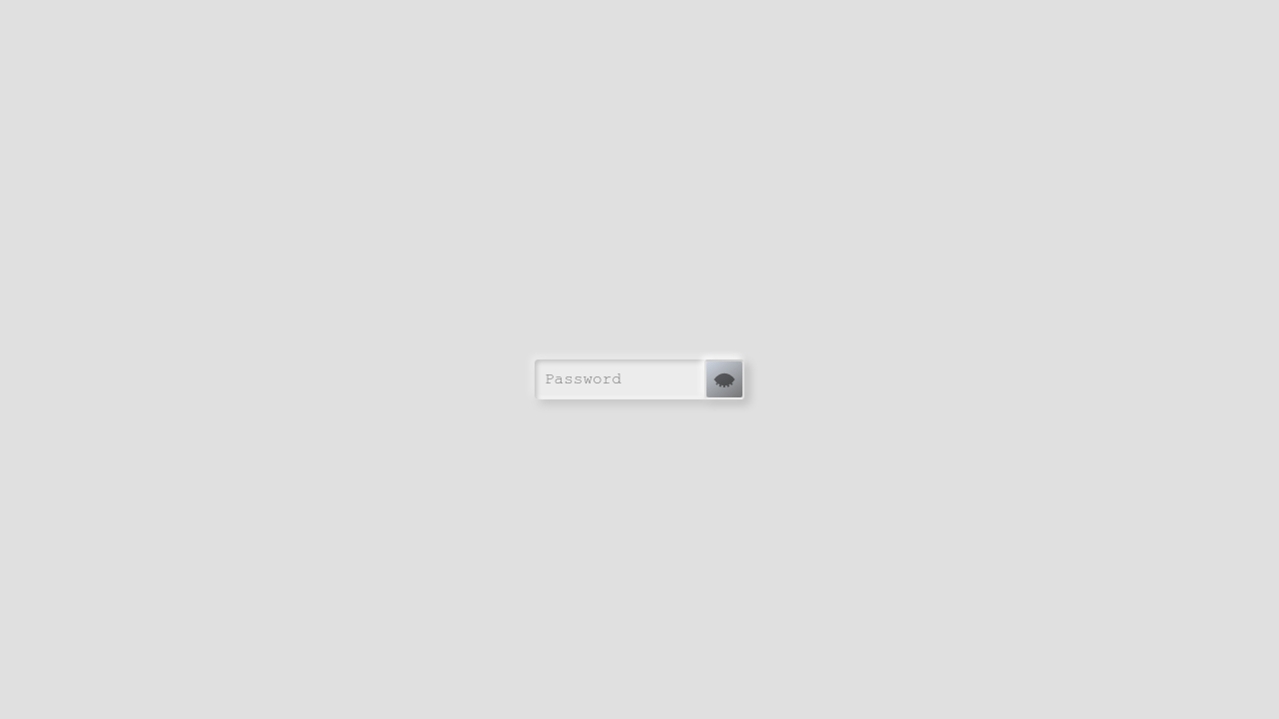
Показать пароль - режим сканирования (Результат кода)
Comments